GPT Image 2.6 Generator
Describe the subject, the light and the scene. Create original images with GPT Image 2.6, explore prompt studies and download your favorite result.
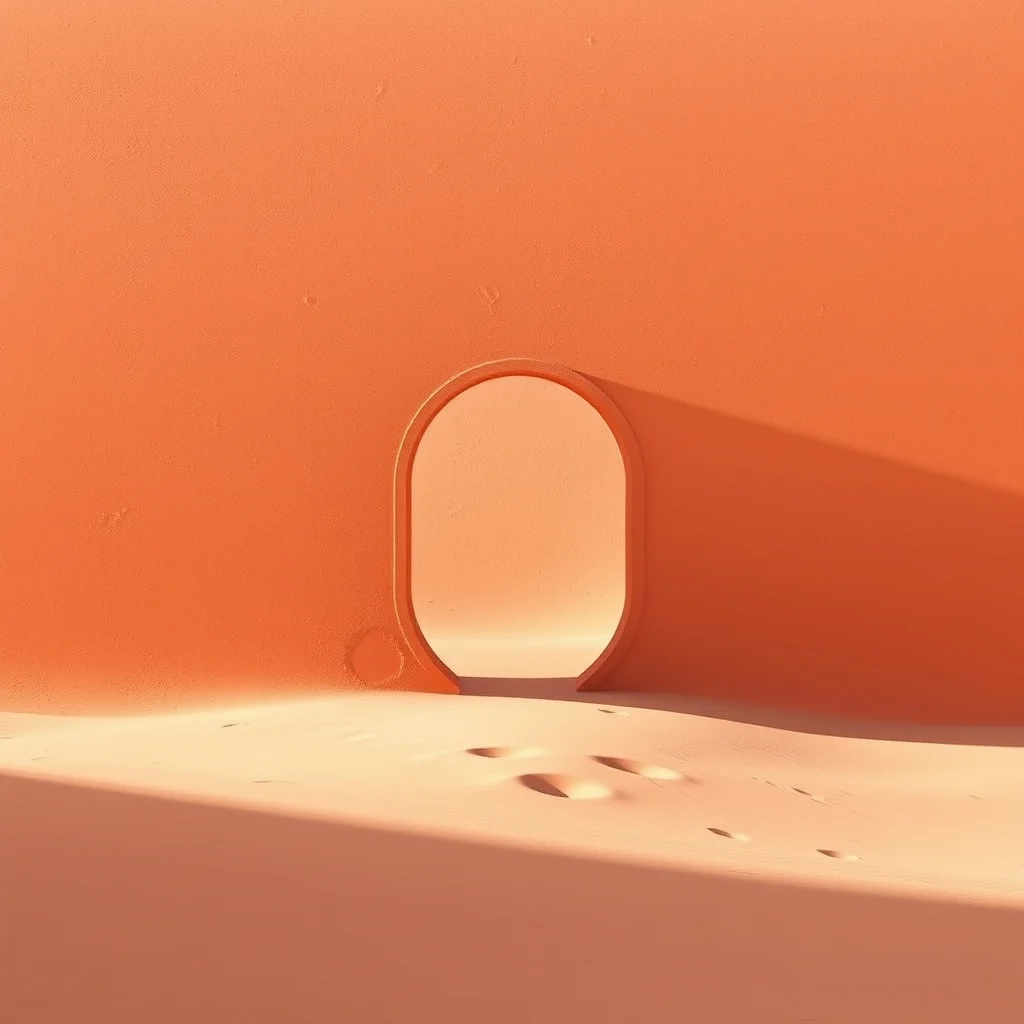
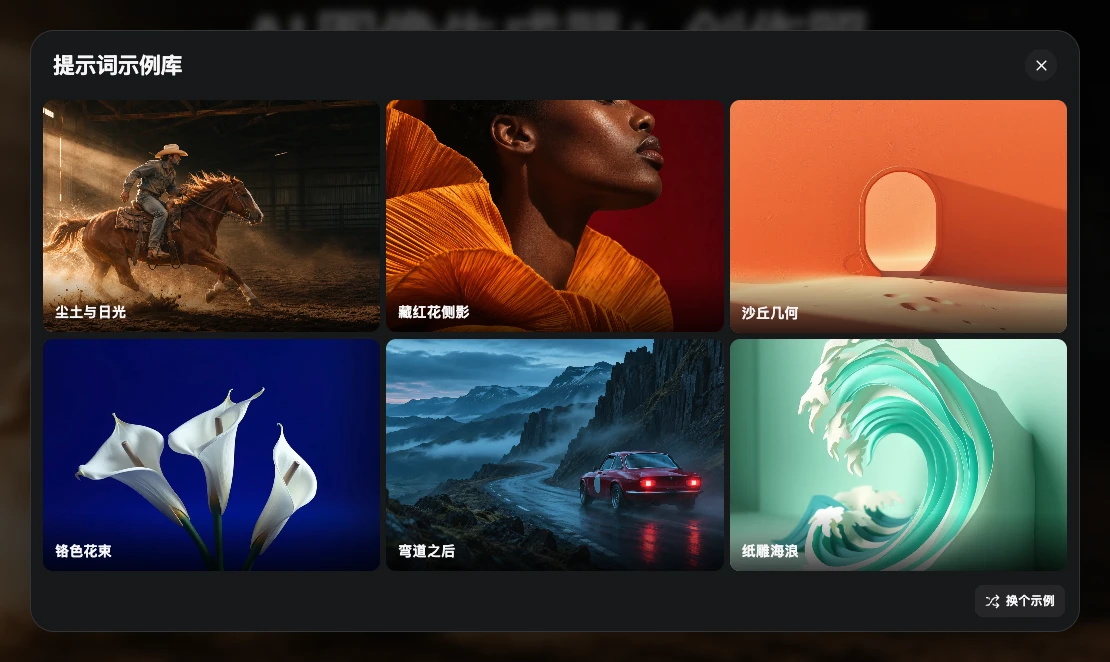
Try a study in the GPT Image 2.6 Generator. Explore six studies in light, color and composition. Choose an image to start with its prompt.
One prompt. One workspace.
Write a scene, try a visual study and see your result in the same studio.
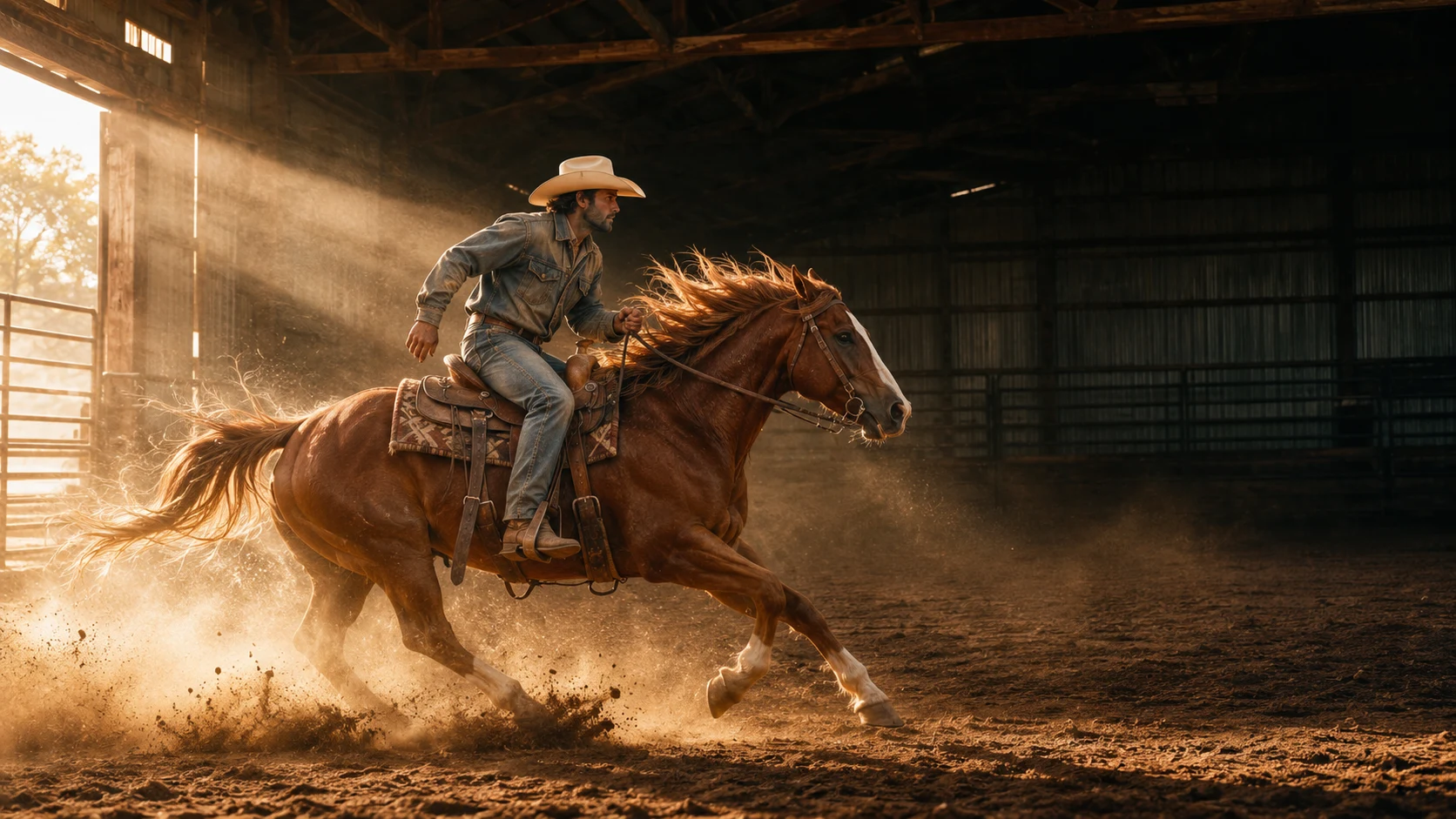
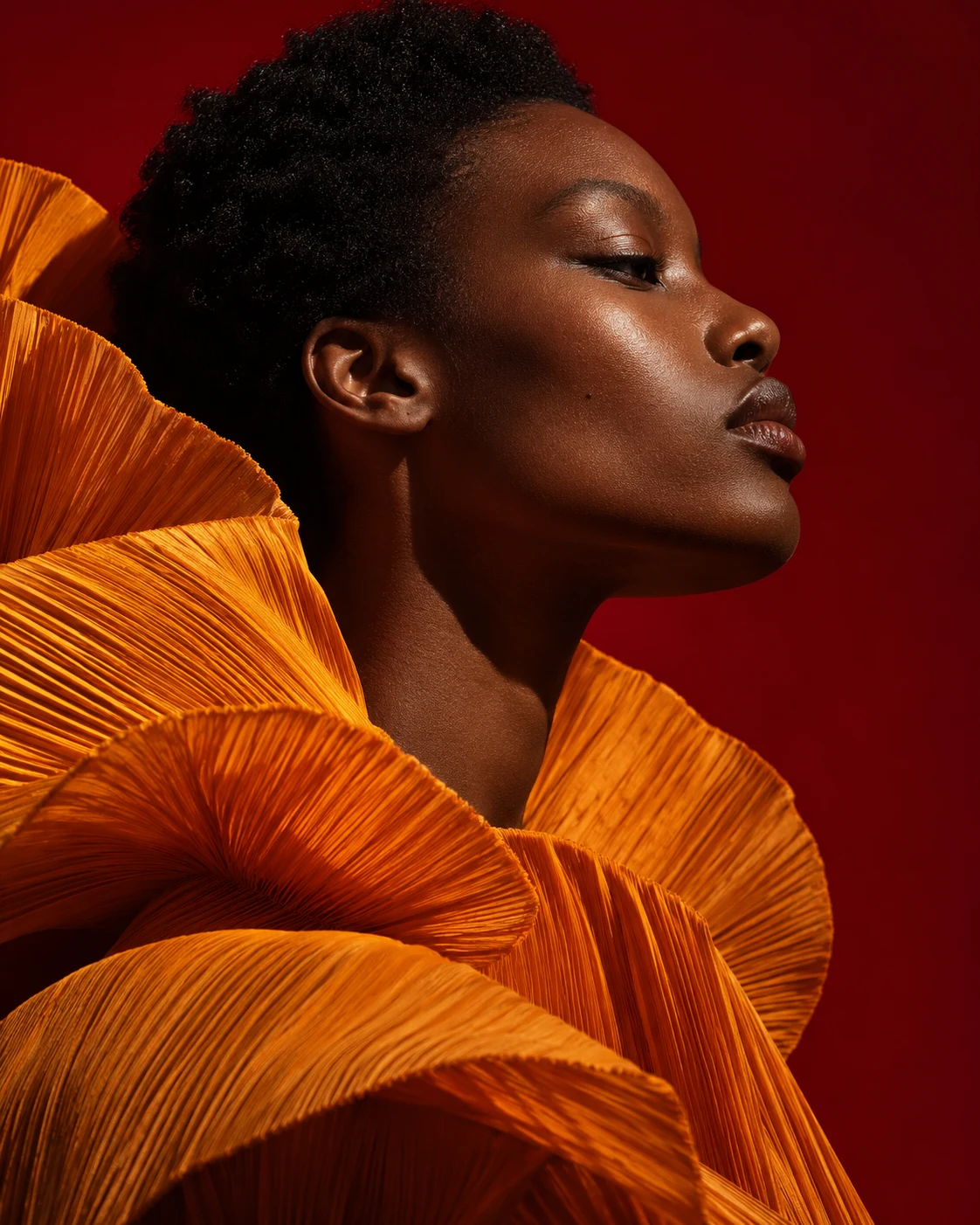
Made for creators. Plan a product shoot, fashion portrait or film still with the GPT Image 2.6 Generator. Choose a case to see how the scene is described.
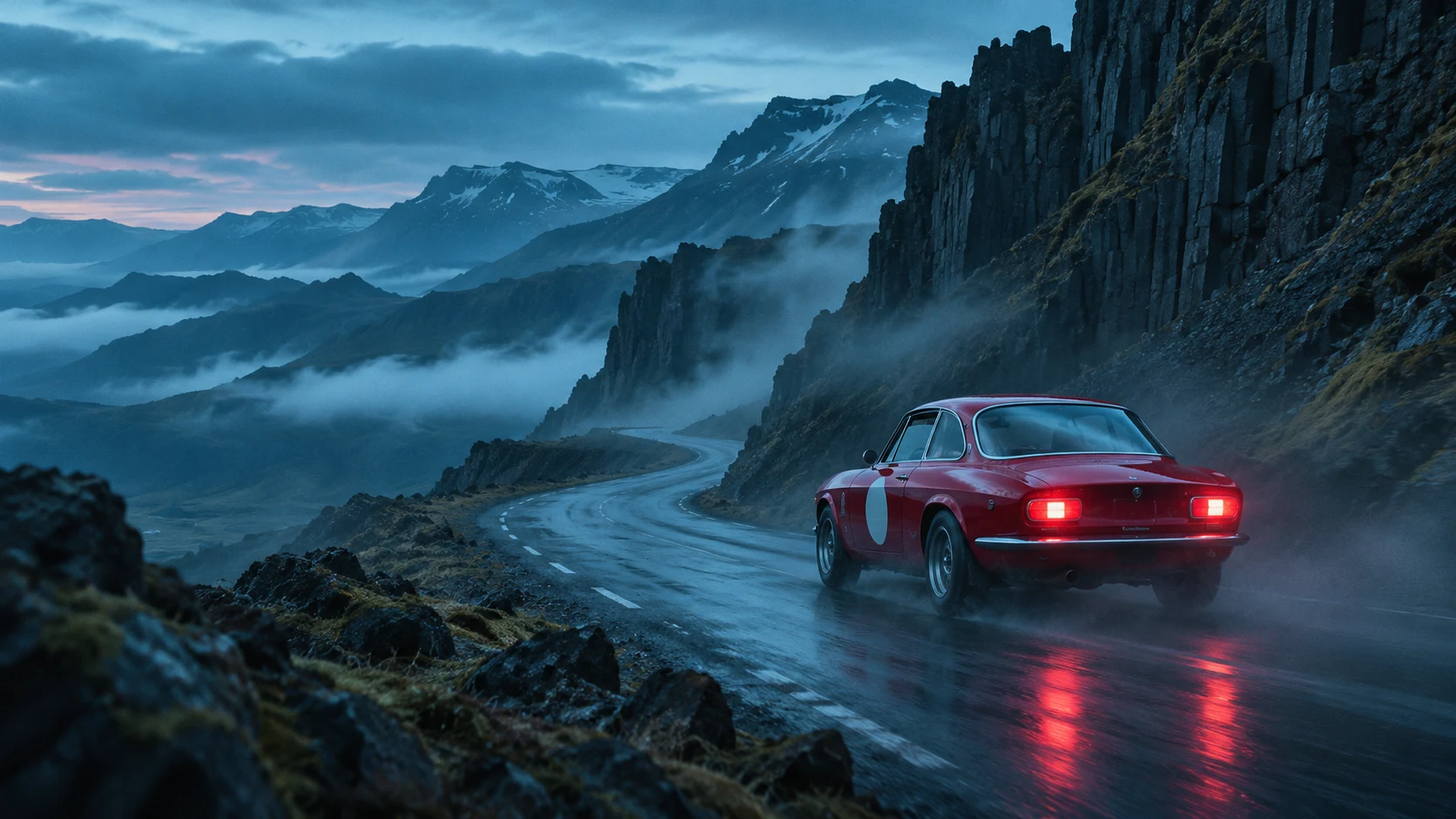
CINEMA STUDIO
Set the scene with a wide lens, a winding road and one last band of light.
Studio notes
See how each study describes light, texture and framing. Open one in the GPT Image 2.6 Generator to try the same setup.
Still have questions?
Image generation, prompts and downloads
What is the GPT Image 2.6 studio?
GPT Image 2.6 is Image26’s text-to-image studio. Describe what you want to see, then select Generate.
How do I start with an example?
Choose a prompt study or open a creator case and select Use prompt. Edit the text before generating.
How do I control the lighting in the GPT Image 2.6 Generator?
Name the light source and its direction. For a portrait, try “soft window light from the left” or “hard side light” and keep the other details the same.
How long can a prompt be?
The editor accepts up to 2,048 characters.
Where does my image appear?
After a successful generation the workspace shows your image and the prompt used for it.
How do I download an image?
Use Download beneath the result to save the original image.
Does the preview ratio change the download?
The ratio adjusts the on-page crop. The download contains the full image.
Can I use the studio on my phone?
Tap Generate an image on the cover to open the mobile editor.
What if I hit the generation limit?
The generator allows three images per minute. Wait a moment and try your prompt again.
Can I reuse a prompt in another session?
Copy the prompt from its case or the editor and save it with your downloaded image.